Launching a successful Shopify store requires careful planning and attention to detail. Whether you’re a first-time entrepreneur or an experienced seller expanding online, this comprehensive checklist will guide you through every step of your Shopify store launch.
Why This Shopify Launch Checklist Matters
The difference between a smooth launch and a chaotic one often comes down to preparation. This guide covers everything from store setup to post-launch optimization, helping you avoid common pitfalls and set your online business up for success from day one.
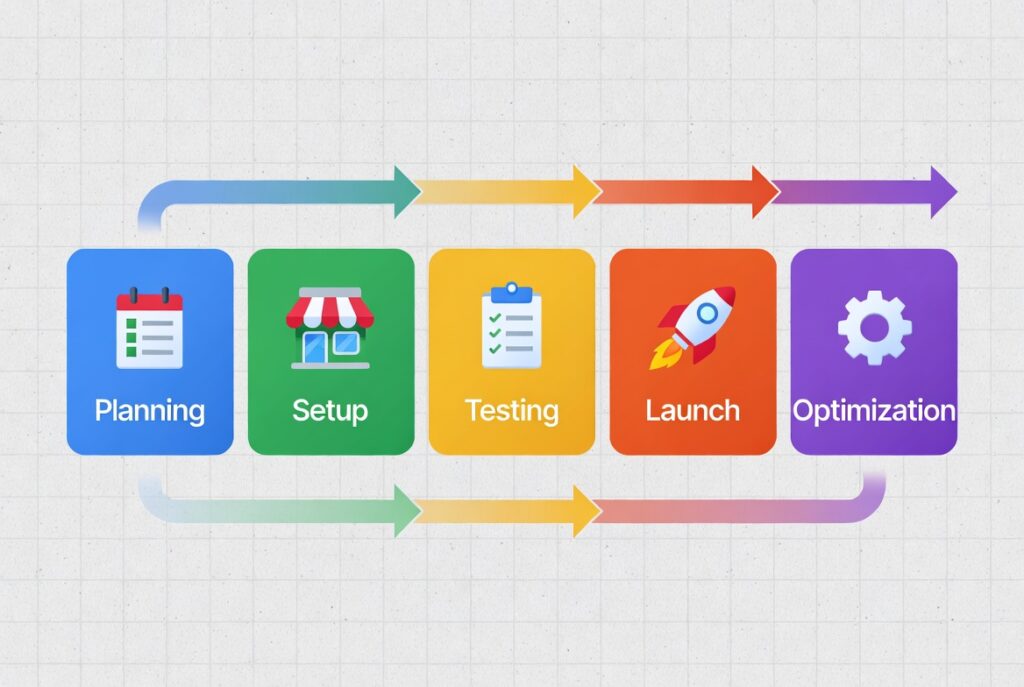
Store Setup Essentials: Building Your Foundation
Domain and Branding Configuration
Your domain name serves as your store’s digital address and is crucial for establishing your online presence.
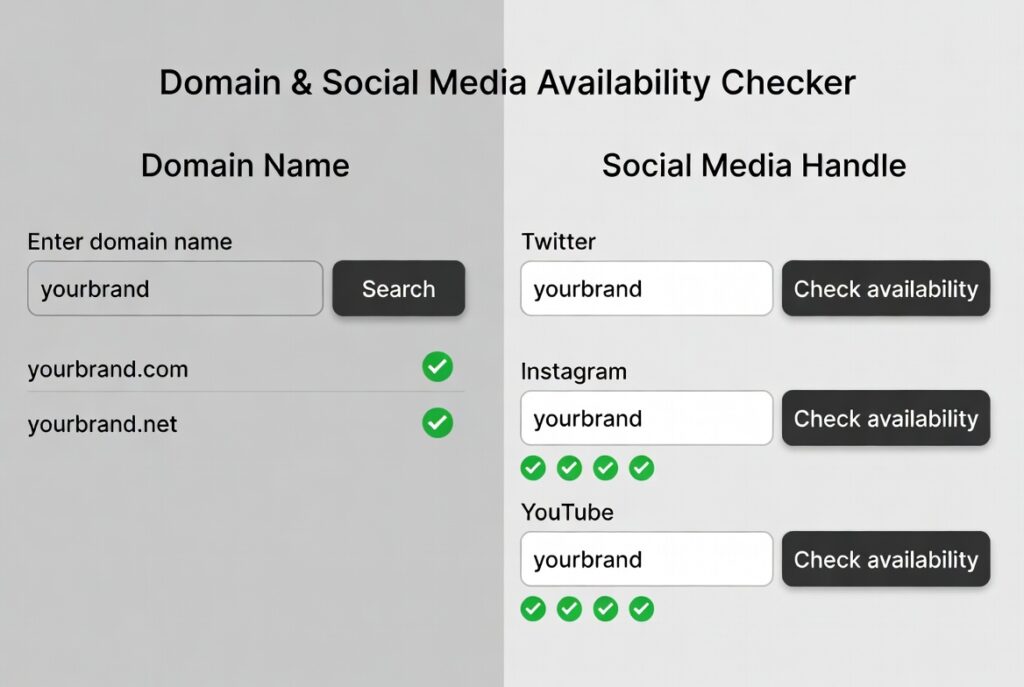
Selecting and Purchasing Your Domain
Choose a domain that is memorable, relevant to your business, and includes keywords related to your products. Shopify allows direct domain registration, or you can use third-party registrars like GoDaddy or Namecheap. Before finalizing your domain, verify that matching social media handles are available to maintain consistent branding across all platforms.
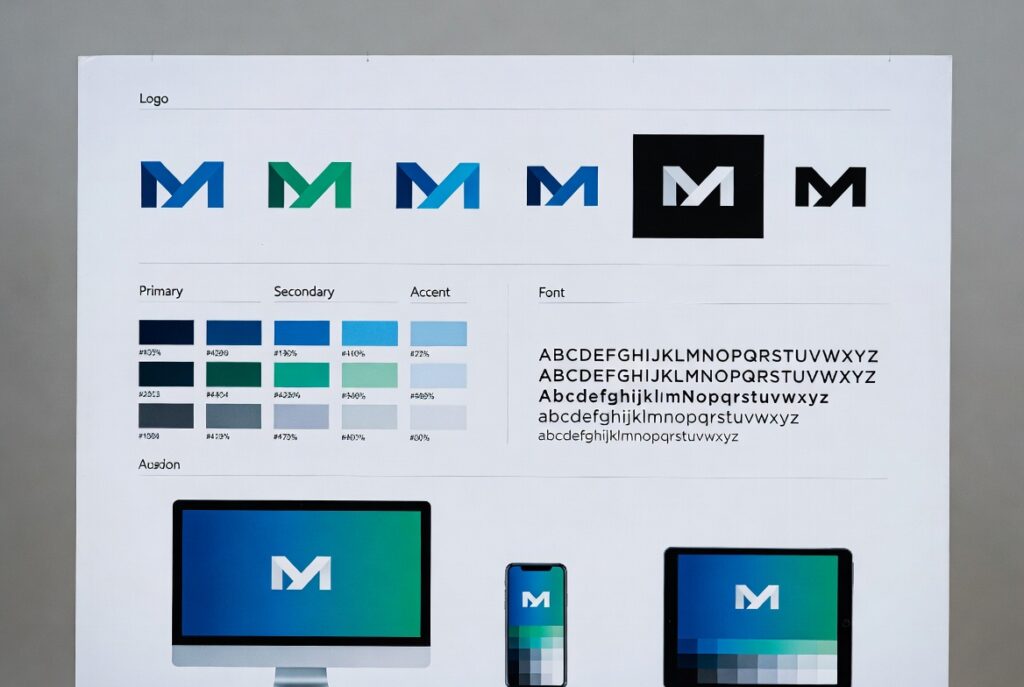
Brand Identity Setup
Upload high-resolution logos optimized for both desktop and mobile displays. Define your brand colors and fonts, considering whether a vibrant or professional aesthetic better suits your target audience. Modern Shopify themes in 2026 offer extensive customization options powered by AI, allowing you to create a cohesive brand experience throughout your store.
General Store Settings
Configure essential administrative details including your store name, contact email, and timezone. These settings affect order processing, customer communications, and overall store management.
Essential Store Policies
Establish clear policies to build customer trust and ensure legal compliance. Required pages include:
- Returns and refund policy
- Privacy policy
- Terms of service
- Shipping policy
Shopify’s advanced AI-powered policy generators in 2026 can create legally sound templates based on your business type, location, and industry regulations. Review and customize these templates to match your specific business practices.
Creating an Intuitive User Experience
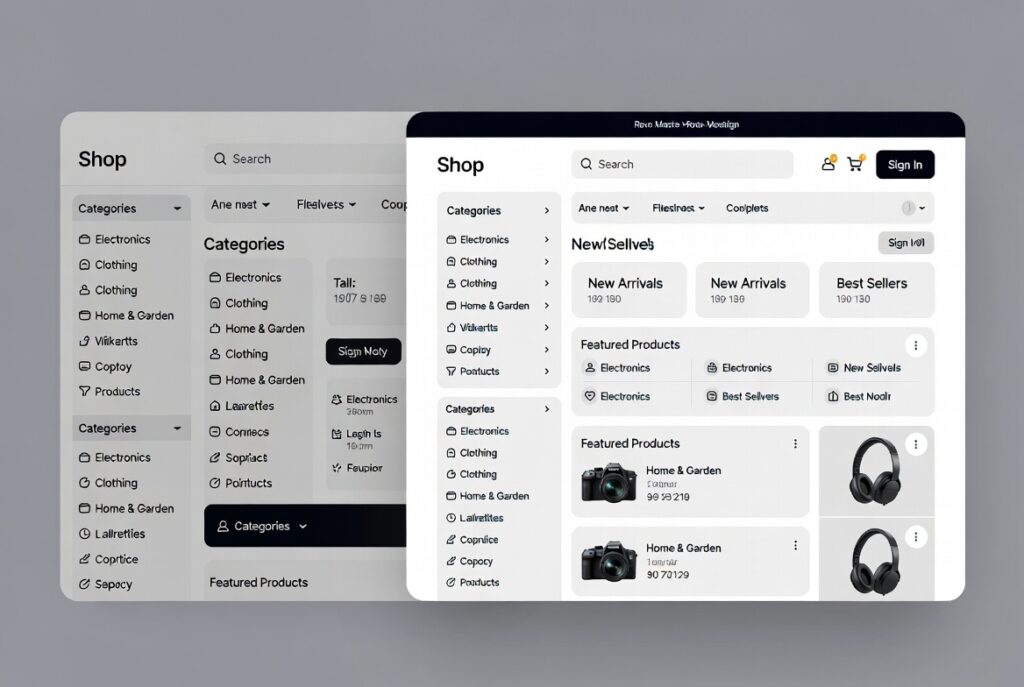
Navigation Structure
Design a simple, logical navigation menu that includes:
- Homepage
- Product collections and categories
- About Us page
- Contact information
- Featured products or services
Shopify’s 2026 themes support intelligent mega menus that display featured products and subcategories without overwhelming visitors, with AI-driven personalization for returning customers.
Product Collections Strategy
Organize products into collections based on:
- Product type
- Use case
- Price range
- Seasonal offerings
Well-structured collections help customers find products even when they’re browsing without a specific item in mind.

Essential Pages
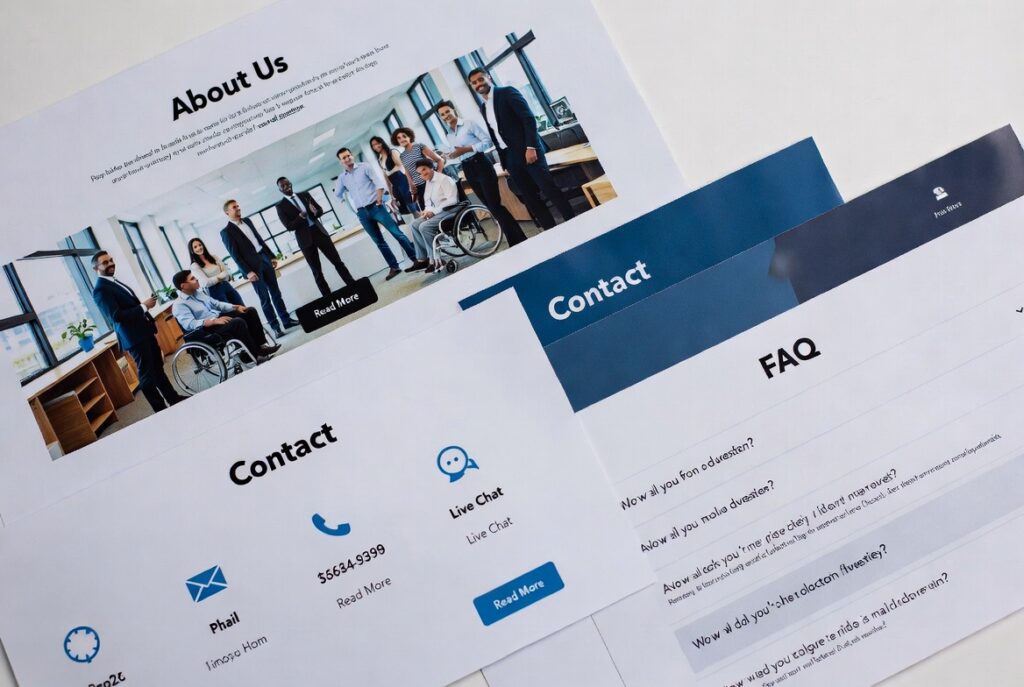
Beyond product listings, create:
- About Us page that tells your brand story
- Contact page with multiple communication options
- FAQ page addressing common customer questions
- Size guides or product care instructions (if applicable)
Mobile Optimization
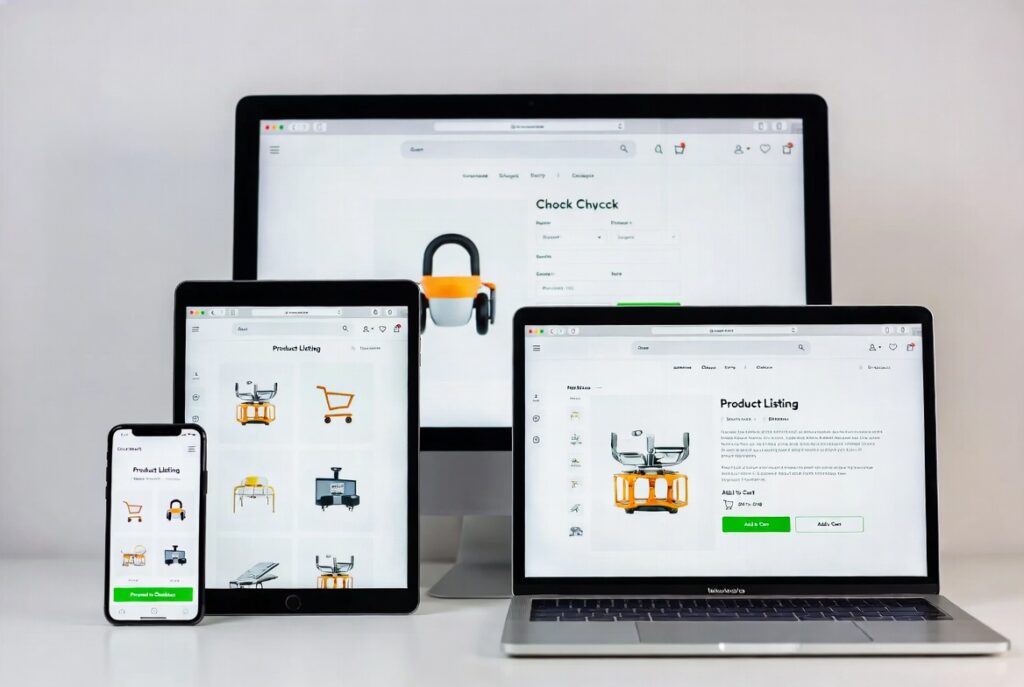
With over 85% of Shopify store traffic coming from mobile devices in 2026, mobile optimization is non-negotiable. Test your store across multiple devices to ensure flawless functionality and appearance on smaller screens.
Product Setup for Maximum Conversions
Crafting Compelling Product Listings
Product Descriptions That Sell
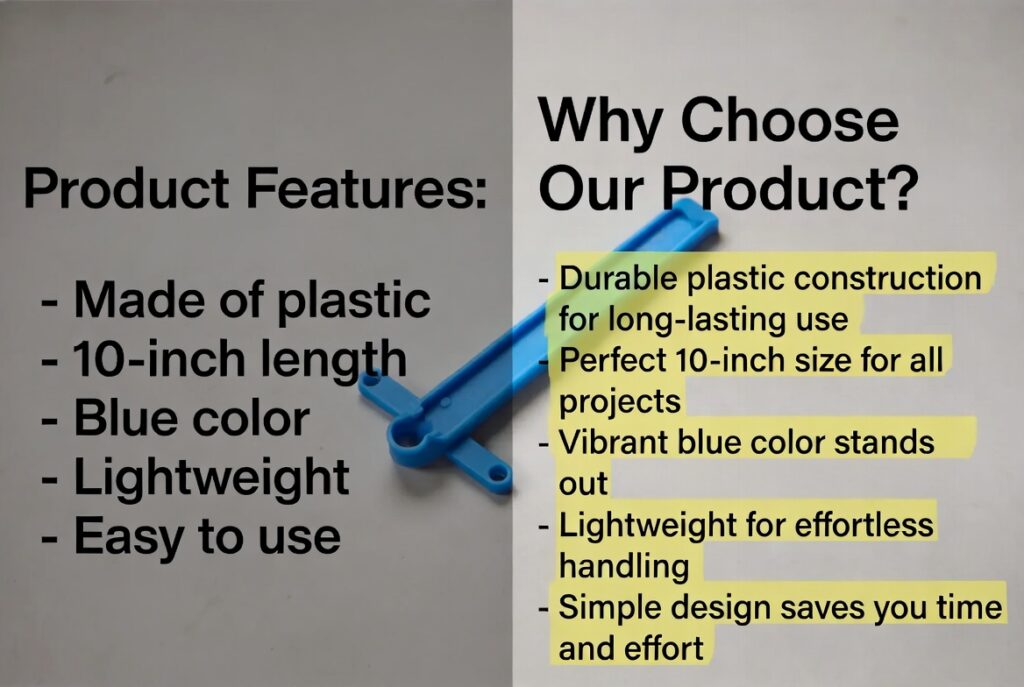
Focus on benefits rather than just features. Instead of simply listing specifications, explain how your product improves the customer’s life. Use conversational language that addresses customer pain points.
Example: Rather than “100% cotton t-shirt,” write “Ultra-soft 100% cotton that feels amazing against your skin, keeping you comfortable throughout your entire day.”
Professional Product Photography
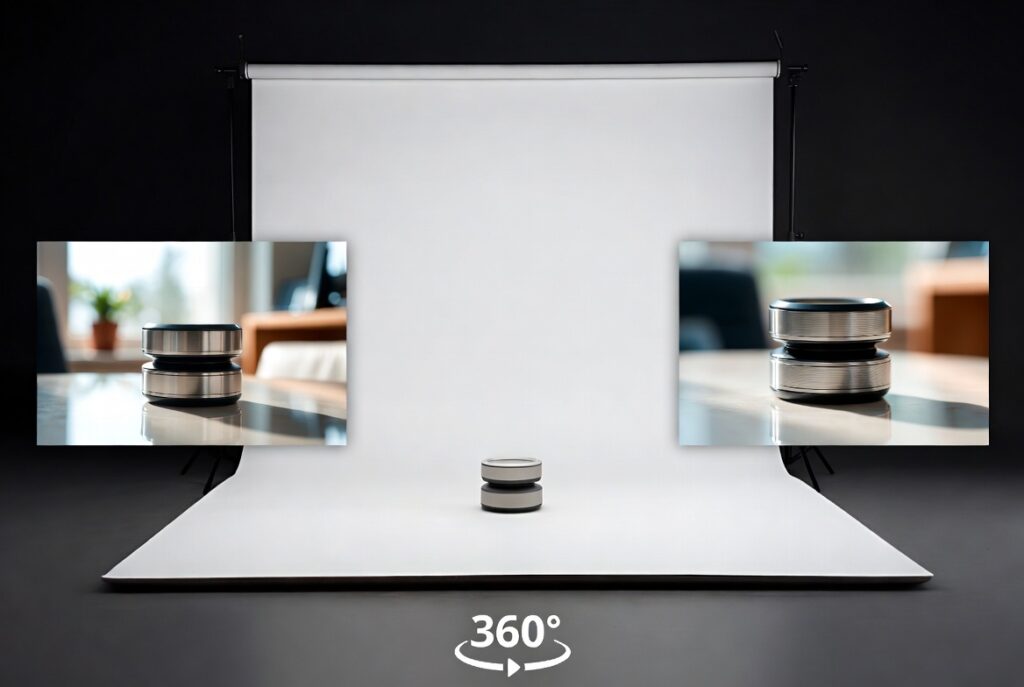
Customers expect comprehensive visual information. Include:
- Clear white-background product images
- Lifestyle photos showing products in use
- Close-up shots of important details
- Size and scale references
- 360-degree product views (increasingly standard in 2026)
Consider implementing Shopify’s enhanced augmented reality and virtual try-on features, which have become standard in 2026 and can significantly reduce returns and cart abandonment.
Product Videos
Even brief 15-30 second videos can dramatically improve conversion rates. Showcase products in use or highlight features difficult to capture in static images. In 2026, AI-generated product videos are also available for quick content creation.
Variant and Option Optimization
Make size, color, and other option selections as intuitive as possible. Use descriptive variant names and include interactive size charts when necessary.
Inventory Management
Enable inventory tracking from the start to prevent overselling. Few things frustrate customers more than discovering their order cannot be fulfilled due to stock issues.
Strategic Pricing and Upselling
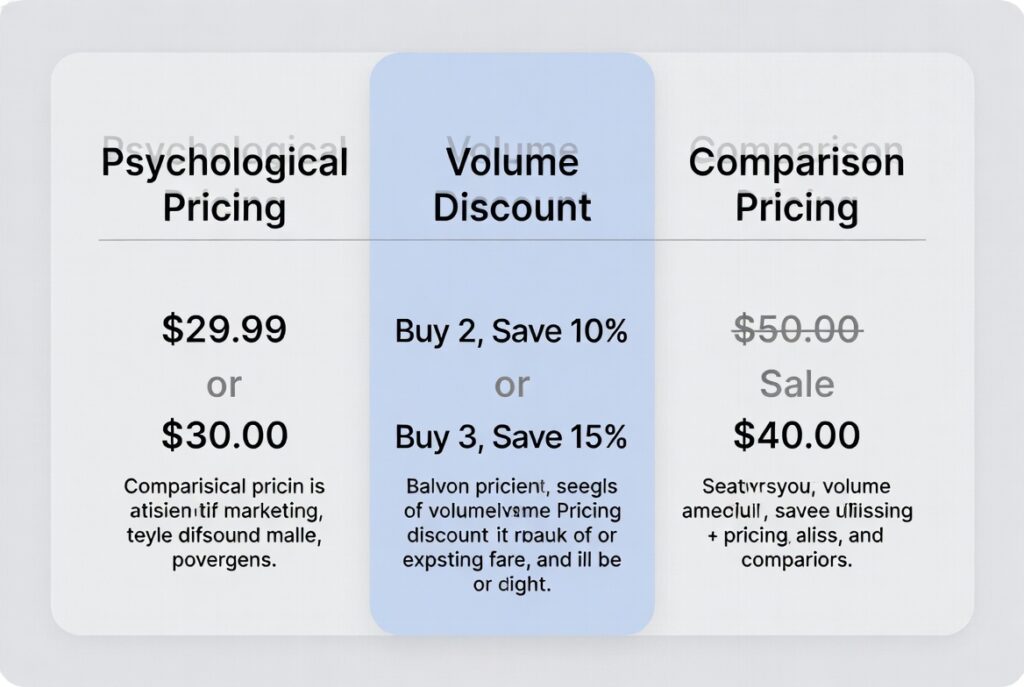
Psychological Pricing
Implement pricing strategies like using $29.99 instead of $30.00. When running promotions, display original prices alongside sale prices to emphasize value.
Volume Discounts
Encourage larger purchases with tiered pricing structures. This approach works particularly well for consumables or items available in multiple colors or styles.
Product Recommendations
Activate Shopify’s AI-powered recommendation features, including “Customers also bought” and “Complete the look” sections to increase average order value. 2026’s improved algorithms provide even more accurate personalization.
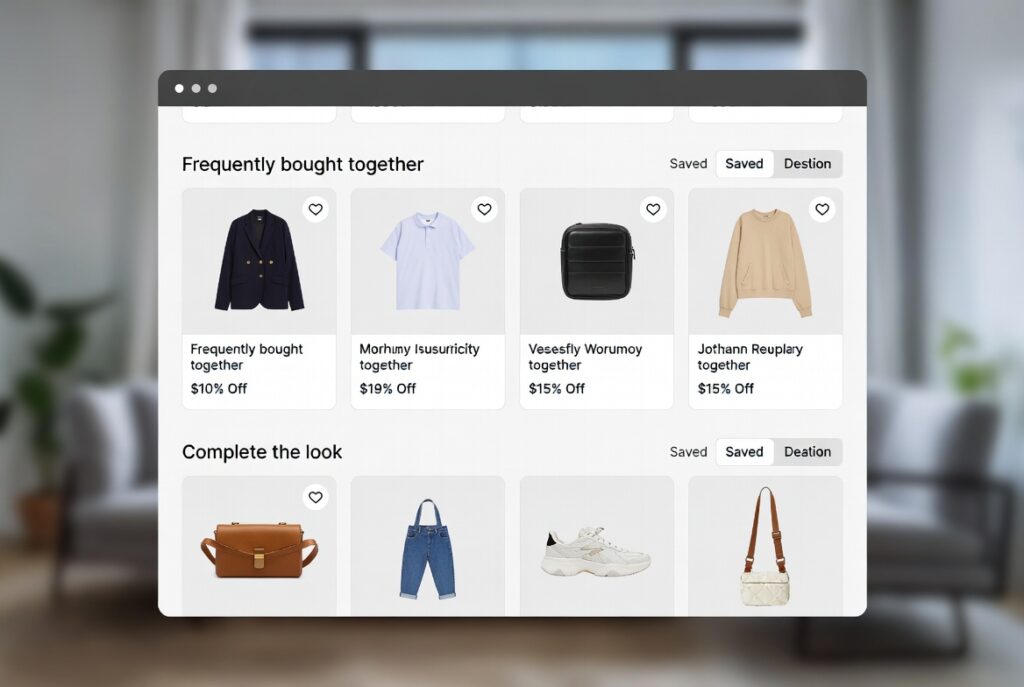
Product Bundling
Create bundles of complementary products at attractive prices to add perceived value while increasing order size.
Payment and Checkout Optimization
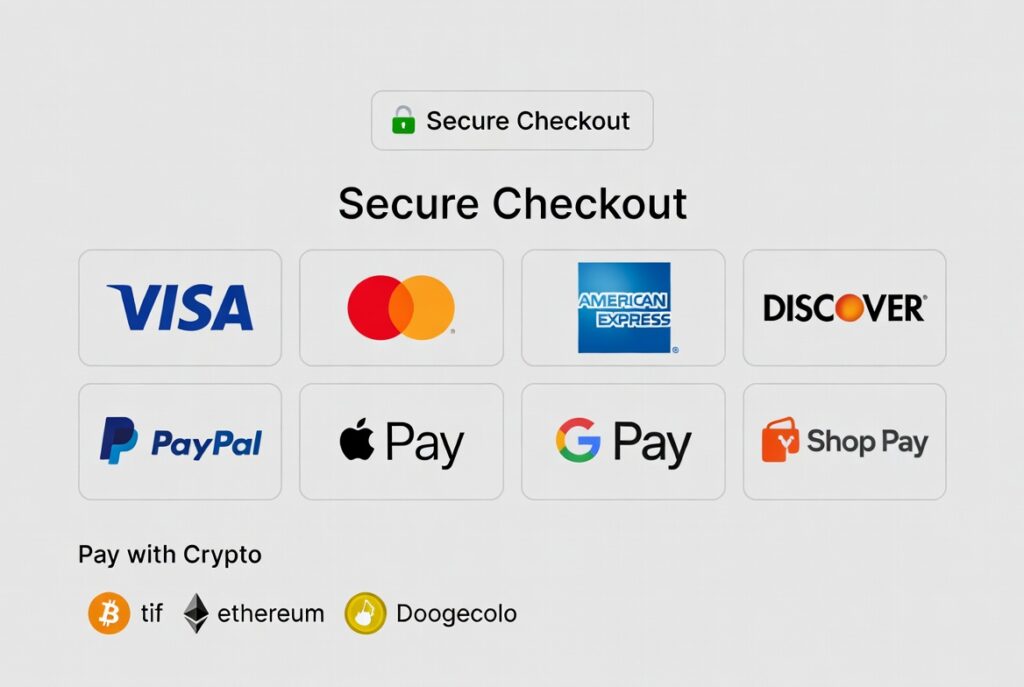
Payment Methods
Enable multiple payment options including:
- Credit and debit cards
- Shop Pay
- PayPal
- Digital wallets (Apple Pay, Google Pay)
- Buy now, pay later services (Klarna, Afterpay, Affirm)
- Cryptocurrency payments (now more mainstream in 2026)
- Biometric payment authentication
Tax and Shipping Configuration
Automated Tax Calculations
Use Shopify’s automatic tax calculation feature to ensure accurate tax rates based on customer location. This system updates automatically as tax laws change, with 2026 bringing enhanced international tax compliance features.
Shipping Rate Strategies
Establish shipping rules that align with your business model:
- Free shipping with minimum order thresholds
- Flat rate shipping
- Weight-based tiered shipping
- Real-time carrier rates
- Same-day and next-day delivery options (expanded in 2026)
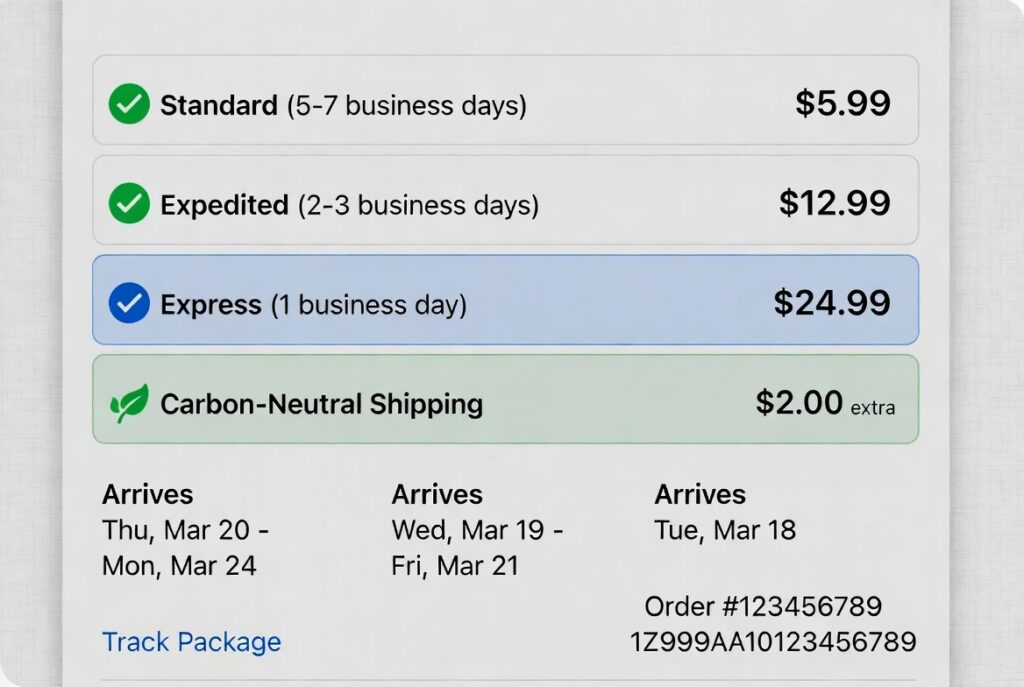
Consider offering carbon-neutral delivery options, which have become standard practice and appeal to environmentally conscious customers.
Checkout Process Optimization
Streamlined Checkout Settings
Allow guest checkout to reduce friction while highlighting the benefits of creating an account, such as order tracking and faster future purchases. Shopify’s 2026 one-click checkout features make this even more seamless.

Order Status Notifications
Set up automated emails for:
- Order confirmation
- Shipping confirmation with tracking information
- Delivery confirmation
- Post-delivery follow-up
Abandoned Cart Recovery
Implement automated reminder emails for customers who leave items in their carts. Shopify’s AI-driven abandoned cart recovery can suggest personalized incentives based on individual customer behavior, with 2026 bringing SMS and push notification options.
Trust Signals
Add security badges, satisfaction guarantees, and return policy highlights to the checkout page to reassure hesitant buyers.
SEO and Marketing Setup

Search Engine Optimization Basics
Sitewide SEO Configuration
Optimize your homepage title and meta description with relevant keywords that accurately describe your store while incorporating terms potential customers might search for.
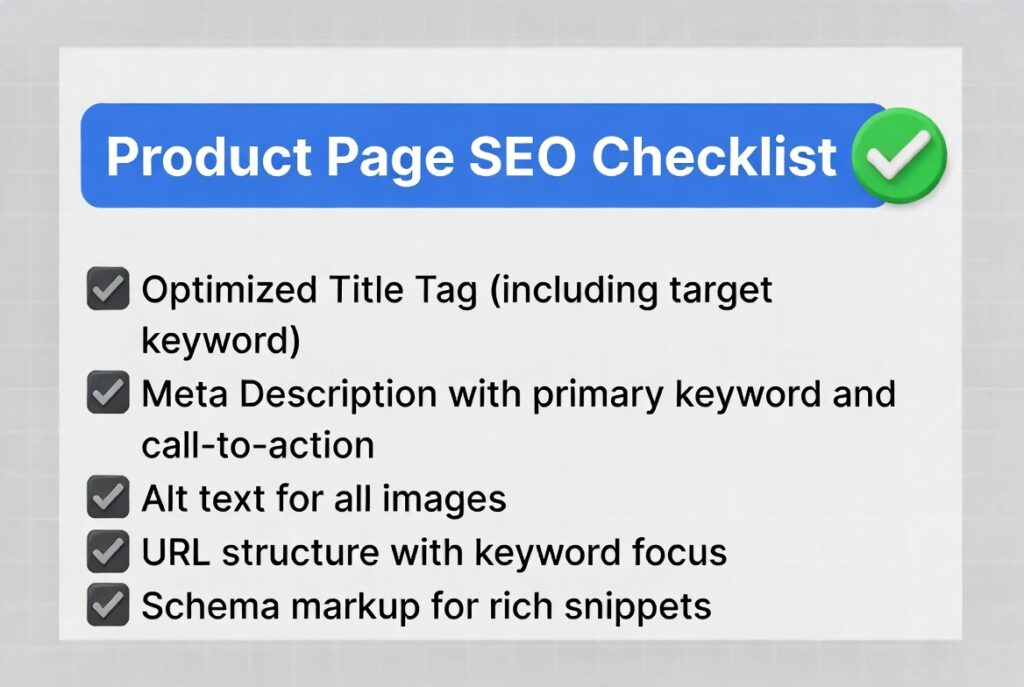
Product Page SEO
For each product:
- Create unique, keyword-rich titles
- Write detailed meta descriptions
- Add descriptive alt text to all images
- Naturally incorporate relevant keywords throughout product descriptions
- Utilize schema markup (automated in Shopify 2026)
Sitemap Submission
Shopify automatically generates your store sitemap. Submit it to Google Search Console and Bing Webmaster Tools for faster indexing.
SEO Monitoring Tools
Install an SEO tracking app from the Shopify App Store that integrates with Google’s latest ranking factors to monitor performance and identify optimization opportunities.
Marketing Channel Integration
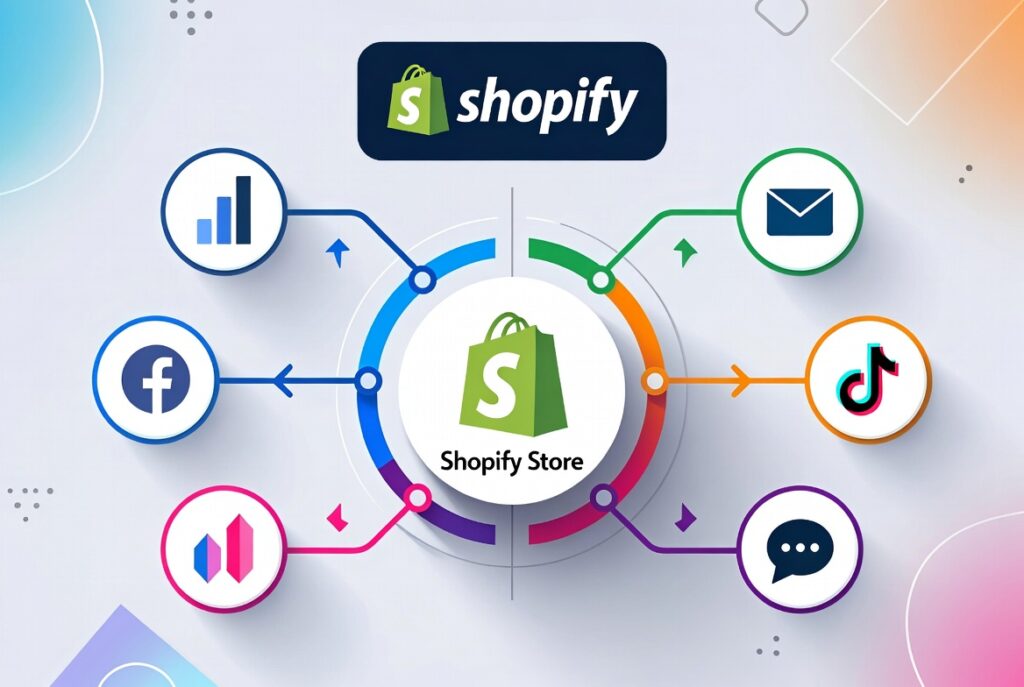
Google Analytics 4
Set up GA4 to track customer behavior, conversion rates, and traffic sources. The 2026 version offers enhanced AI-powered insights and predictive analytics.
Meta Pixel and Conversion API
These tools remain effective for tracking performance across Facebook, Instagram, and Meta’s expanding platforms.
Email Marketing Platforms
Connect your preferred email marketing service (such as Klaviyo, Mailchimp, or Shopify Email) and create prominent signup forms throughout your store.
Social Media Accounts
Establish business profiles on platforms where your target audience is active, including emerging platforms popular in 2026. Link these accounts to your store and create content announcing your launch.
Google Merchant Center
If planning to run Google Shopping ads, set up your Merchant Center account and product feed using Shopify’s native integration.
Essential Shopify Apps for 2026
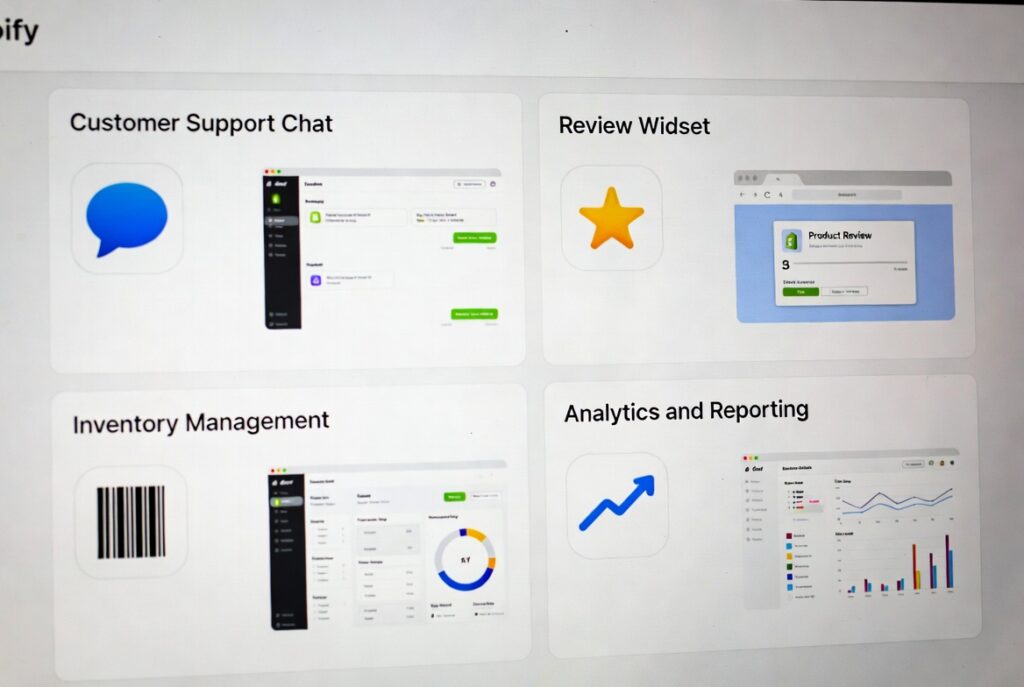
Customer Support Solutions
Implement helpdesk or live chat tools like Gorgias, Zendesk, or Tidio. Modern AI-assisted options in 2026 can automatically handle up to 80% of common customer inquiries with improved natural language processing.
Review Management
Social proof drives sales. Use review apps like Judge.me, Loox, or Yotpo to automatically request reviews post-purchase and display them prominently on your site with photo and video review capabilities.
Inventory Management
If selling across multiple channels, robust inventory management apps prevent overselling and discrepancies. 2026 solutions offer AI-powered demand forecasting.
Advanced Analytics
Supplement basic Shopify analytics with specialized apps offering deeper insights into customer behavior and sales patterns, including predictive analytics.
Subscription Management
For subscription-based products, dedicated apps simplify managing recurring orders, subscription discounts, and customer changes.
Pre-Launch Testing Protocol

Functional Testing
Complete Order Process Testing
Walk through the entire customer journey:
- Landing on homepage
- Adding products to cart
- Applying discount codes
- Checkout process
- Payment processing
- Confirmation email receipt
Use Shopify’s test mode to complete orders without processing actual charges.
Form and Link Testing
Verify all forms (contact forms, newsletter signups) function properly and deliver information to the correct destinations.
Compatibility Testing
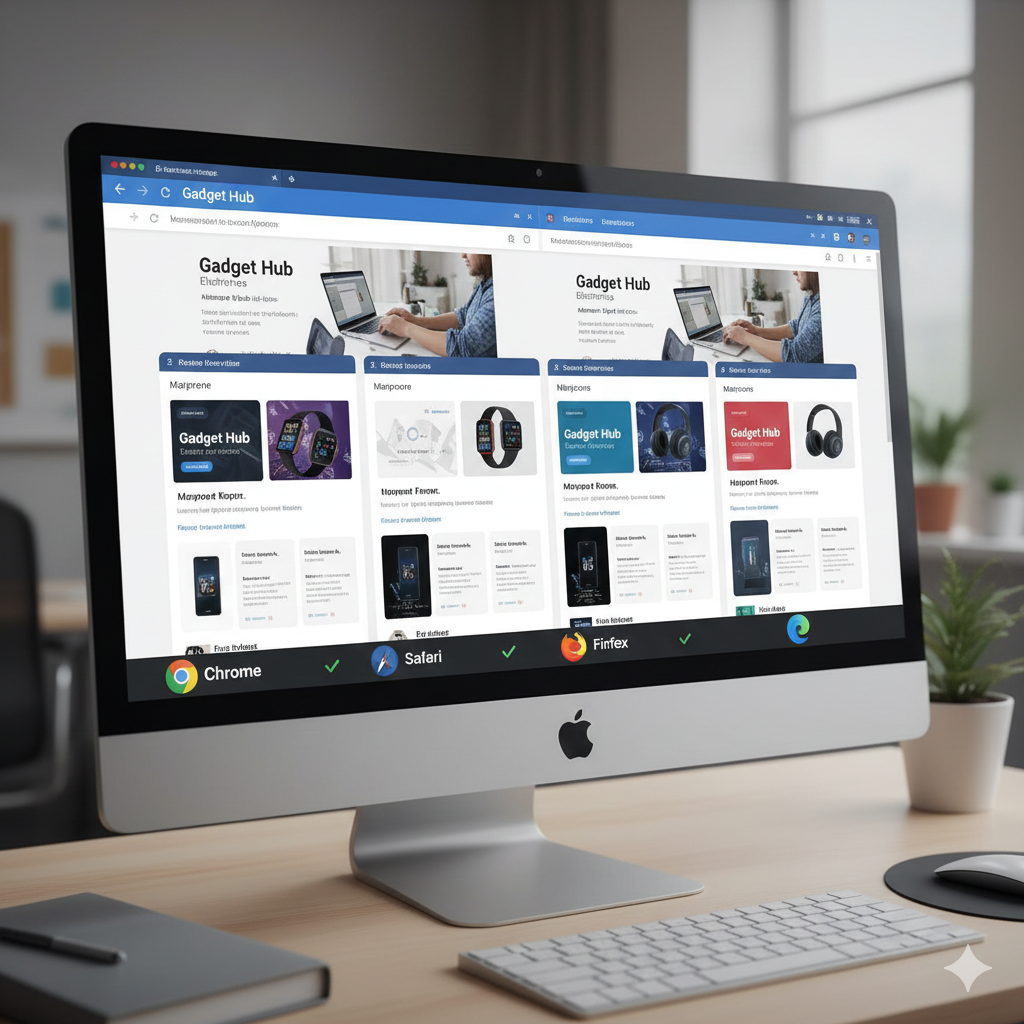
Cross-Browser Verification
Test your store in Chrome, Safari, Firefox, Edge, and emerging browsers to ensure consistent appearance and functionality.
Mobile Responsiveness
Experience the complete shopping journey on smartphones and tablets to identify mobile-specific issues.
Broken Link Checks
Use link checker tools to identify and fix any broken links that might signal unprofessionalism to potential customers.
Performance Testing

Page Speed Analysis
Use Google PageSpeed Insights to evaluate site speed and identify performance issues. In 2026, page speed significantly impacts both user experience and SEO rankings, with Core Web Vitals being more critical than ever.
Image Loading Optimization
Ensure product images load quickly at appropriate resolutions across all devices. Utilize next-gen image formats like WebP and AVIF.
Traffic Load Testing
If anticipating significant launch traffic, conduct load testing to verify your store can handle volume without slowdowns.
Legal Compliance and Protection
GDPR Compliance
If serving European customers, ensure compliance with cookie notices, privacy policies, and data handling procedures.
ADA Accessibility
Make your store accessible to people with disabilities through alt text, keyboard navigation support, and appropriate color contrast. 2026 accessibility standards are more comprehensive.
Cookie Consent
Use a cookie consent app to notify visitors about cookies and tracking technologies, complying with global privacy regulations.
Payment Processor Requirements
Verify compliance with payment processor requirements regarding product descriptions, return policies, and prohibited items.
Industry-Specific Regulations
Certain products (food, cosmetics, supplements) may require additional compliance measures. Research requirements specific to your industry, with 2026 bringing updated regulations in many sectors.
Launch Day Preparation
Pre-Launch Communications
Launch Announcement Email
Draft an email announcing your store opening, possibly including a special launch offer to encourage immediate purchases.
Social Media Schedule
Plan posts across all platforms to build awareness and drive traffic to your new store. Use 2026’s advanced scheduling tools for optimal posting times.
Advertising Campaigns
Prepare ad campaigns for Google, Facebook, TikTok, or other platforms, ready to activate when your store goes live.
Team Preparation
Customer Service Training
Ensure anyone handling customer service understands products, policies, and common customer questions.
Launch Day Monitoring Plan
Prepare to closely monitor site performance, traffic, and orders to quickly address any issues.
Post-Launch Optimization Strategy
Analytics Monitoring
Track key metrics including:
- Traffic sources
- Conversion rates
- Average order value
- Abandoned cart rate
- User behavior patterns
- Customer lifetime value
Customer Feedback Collection
Request feedback from early customers to discover issues you may have missed during testing. Use 2026’s automated feedback collection tools.
Behavior-Based Optimization
Use heatmapping tools like Hotjar or Microsoft Clarity to understand how visitors interact with your site and identify friction points.
Marketing Campaign Refinement
Analyze launch campaign performance and apply insights to future marketing efforts.
Post-Launch Promotions
Maintain momentum with promotions targeting visitors who didn’t convert during the initial launch.
New Shopify Features for 2026
Advanced AI Capabilities
AI-Powered Product Description Enhancement
Shopify’s enhanced AI can optimize product descriptions for improved conversion and SEO based on top-performing stores in your niche, with natural language processing that matches your brand voice.
Predictive Inventory Forecasting
Advanced AI-powered forecasting uses sales patterns, seasonal data, and market trends to prevent stockouts and overstock situations with unprecedented accuracy.
Hyper-Personalized Shopping Experiences
Dynamic content blocks automatically adjust products, offers, and entire store layouts based on individual visitor browsing and purchase behavior using machine learning.
AI Customer Service Agents
Deploy sophisticated AI agents that handle complex customer inquiries with human-like understanding and can seamlessly escalate to human support when needed.
Expanded Sustainability Features
Comprehensive Carbon Footprint Tracking
Track product carbon footprints across the entire supply chain and offer shipping emission offsets, now expected by conscious consumers.
Sustainable Packaging Integration
Access expanded eco-friendly packaging options through Shopify’s partnerships with sustainable suppliers in fulfillment settings.
Circular Economy Features
New tools for product take-back programs, refurbishment tracking, and resale marketplace integration.
Enhanced B2B and Wholesale Functionality
Advanced B2B Portal
If selling to both businesses and consumers, use enhanced B2B features for custom pricing, minimum order quantities, approval workflows, and account management with self-service capabilities.
Expanded Wholesale Marketplace
Connect with retailers through Shopify’s wholesale marketplace to expand reach without additional overhead, with AI-powered matching to relevant buyers.
Emerging Technology Integration
Virtual Shopping Assistants
AI-powered shopping assistants guide customers through product selection with conversational interfaces.
Voice Commerce Optimization
Optimize your store for voice shopping through smart speakers and voice assistants, increasingly important in 2026.
Blockchain Integration
Enhanced product authentication and transparency through blockchain technology for luxury and high-value items.
Common Launch Mistakes to Avoid
Perfectionism Paralysis
Launch with a solid store and improve based on real customer data rather than endlessly pursuing perfection before launch.
Inadequate Product Descriptions
Invest time in thorough, unique product descriptions rather than using minimal or manufacturer-provided text. This investment pays dividends in SEO and conversions.
Mobile Neglect
Even in 2026, some stores look great on desktop but fail on mobile. With most shopping happening on phones, this oversight is costly.
Email Collection Neglect
Your email list becomes your most valuable marketing asset. Implement email capture strategies before launch.
Post-Purchase Experience Gaps
The customer journey extends beyond checkout. Order confirmations, shipping updates, and follow-up emails are critical for retention and review generation.
Ignoring Emerging Platforms
Don’t overlook new social commerce platforms and channels that have gained prominence in 2026.
Final Pre-Launch Checklist
Before publishing your store, verify:
- ✅ All products have complete details, images, and pricing
- ✅ Payment methods are set up and tested
- ✅ Shipping rates are configured correctly
- ✅ Legal pages and policies are in place
- ✅ Store functions properly on desktop and mobile
- ✅ Contact information is accurate
- ✅ Order notification emails are configured
- ✅ Analytics tracking is properly installed
- ✅ Test orders complete successfully
- ✅ Marketing channels are ready to announce launch
- ✅ Customer support systems are operational
- ✅ AI features and automation are configured
- ✅ Accessibility standards are met
- ✅ Security and compliance requirements are satisfied
Conclusion: Your E-Commerce Journey Begins at Launch
Launching your Shopify store marks the beginning, not the end, of your e-commerce journey. Successful stores treat launch day as a starting point for continuous improvement.
The advantage of online retail in 2026 is the ability to continuously optimize based on real customer data—how they interact with your store, what they purchase, what they avoid, and what questions they ask. Use every piece of feedback to refine your product offerings and marketing strategy.
Building a successful online store takes time, experimentation, and persistence. Don’t be discouraged if overnight success doesn’t materialize. Continue learning, improving, and connecting with your customers—that’s the real key to long-term e-commerce success.
With this comprehensive checklist, you’re better prepared than most new store owners. Now it’s time to create something amazing and launch your Shopify store with confidence in 2026.