

If you’re still using the same accounting software you started with five years ago, there’s a good chance it’s slowing you down—and costing you more than it should. In 2026, there are better options. And the top pick might surprise you: it’s not QuickBooks Online.
Disclosure: This article contains affiliate links. If you sign up through our links or use promo codes mentioned, we may earn a commission at no extra cost to you. This does not influence our rankings or recommendations.
How We Ranked These Tools
We evaluated five platforms—Wave, Zoho Books, FreshBooks, QuickBooks Online, and Xero—across four factors: pricing and value, ease of use, US-specific features (payroll, tax compliance, IRS readiness), and scalability. Research was desk-based, drawing from PCMag, NerdWallet, Forbes, and official pricing pages as of February 2026. Here’s how the top two compare on our editorial scoring:
| Category | Xero | QuickBooks Online |
|---|---|---|
| Value for Money | 9.2 | 7.8 |
| Ease of Use | 9.0 | 7.0 |
| US Tax Depth | 8.0 | 9.5 |
| Scalability | 9.3 | 8.0 |
| Overall | 8.9 | 8.1 |
Xero ranks above QuickBooks Online on overall score because it delivers better value, a lower learning curve, and unlimited users on every plan. QuickBooks Online wins on native US tax depth—but for most small businesses, that advantage doesn’t outweigh the cost and complexity gap.
Who This List Is Not For
This list may not be the right fit if you run a manufacturing business with complex, multi-location inventory needs, if you need fully built-in US payroll without any third-party tools, or if your accountant has built their entire workflow around QuickBooks Online and switching would disrupt that relationship. If you run heavy US payroll internally and never plan to scale beyond a few users, QuickBooks Online may still be the better long-term fit. These five tools are built for small businesses, freelancers, startups, and growing service-based teams.
What to Look For in Accounting Software
Before jumping into the list, here’s what actually matters for small businesses: price vs. value, ease of use, US-specific features like payroll and tax compliance, scalability, and integrations with tools you already use. Keep those in mind as you read.
The Real Cost Over Time
Starting prices tell only part of the story. Here’s what you actually pay over 12 months at common usage levels:
QuickBooks Online Essentials starts at $75/month. Add QuickBooks Payroll for two employees and you’re looking at $100–$130/month—or $1,200 to $1,560 per year before any add-ons.
Xero Growing plan is $55/month. Add Gusto payroll for two employees starting at around $46/month base and you’re at roughly $101/month—comparable, but with unlimited users included and no per-user fees eating into that number as your team grows.
With the current Xero promo (85% off for 6 months using code DC23854633), your first-year cost on the Growing plan drops significantly—closer to $495 for the year before Gusto fees. After the promo, standard pricing applies.
Bottom line: at small team sizes, Xero and QuickBooks Online land in similar monthly ranges once payroll is added. But Xero’s unlimited user model means costs stay flat as you grow. QuickBooks Online costs keep climbing.
5. Wave — Best Free Option
Starting price: Free (Pro plan: $16–$19/month)
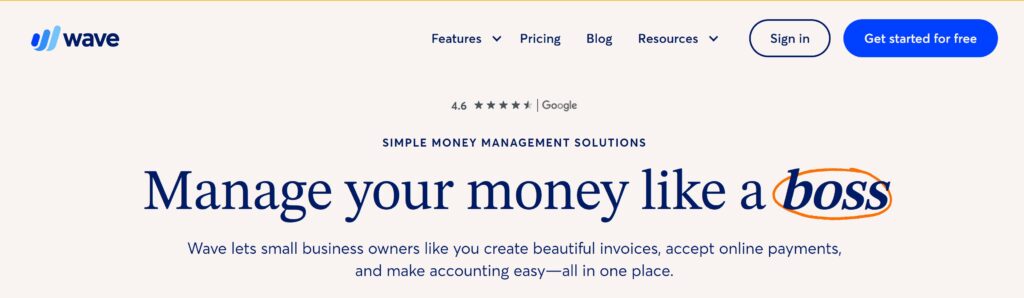
Wave is the only fully free accounting tool worth recommending for small businesses. Developed by H&R Block, Wave’s core plan covers invoicing, expense tracking, receipts, and basic reports—no monthly fee, no trial period, just free. If you need extras like automatic transaction categorization or no Wave branding, the Wave Pro plan runs $16 to $19 a month.
What it does well: Zero cost for core features, simple interface, easy to get started.
Where it falls short: No inventory tracking, limited reporting, slow customer support. Wave handles bookkeeping basics but is not a tax filing tool—you’ll still need a CPA or separate tax software at year end.
Security: Wave uses 256-bit SSL encryption and is PCI-DSS compliant for payment processing. It maintains basic audit trails for all transactions.
Best for: Freelancers, side hustles, and micro-businesses under $50K in annual revenue who want zero overhead.
4. Zoho Books — Best Budget Pick
Starting price: Free tier available; Standard plan from $20/month ($15/month billed annually)
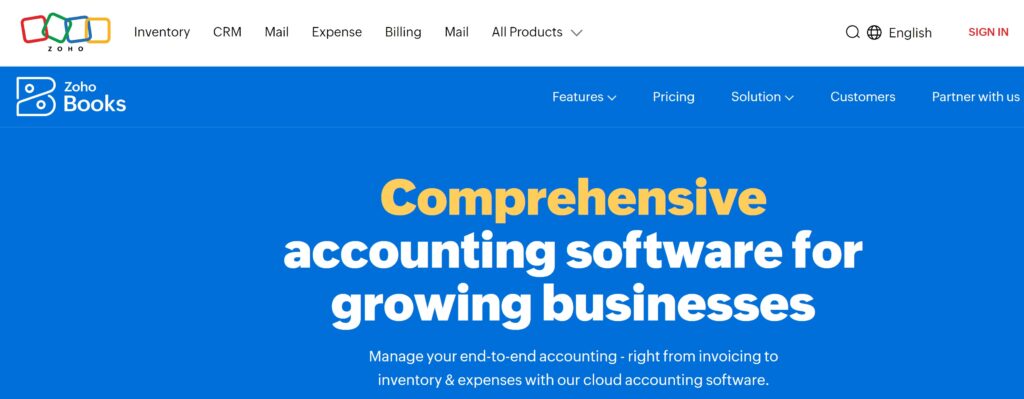
Zoho Books, part of the broader Zoho business suite, quietly delivers a lot for the price. The free tier supports one user plus one accountant and handles up to 1,000 invoices and expenses per year. The Standard plan is $20 a month for three users—or about $15 a month on an annual plan. You get solid automation, good inventory tools, and seamless integration with other Zoho apps if you’re already in that ecosystem.
What it does well: Strong automation, good inventory features, great value for the price.
Where it falls short: Interface feels dated, US payroll isn’t built in natively. US-based accountants are less likely to be familiar with Zoho Books compared to QuickBooks Online or Xero.
Security: Zoho Books is ISO 27001 certified and uses AES-256 encryption. It provides full audit trails and role-based access controls across all plans.
Best for: Budget-conscious teams or businesses already using Zoho tools.
3. FreshBooks — Best for Service Businesses
Starting price: $19/month (Lite plan); promos often available up to 70% off first 3 months
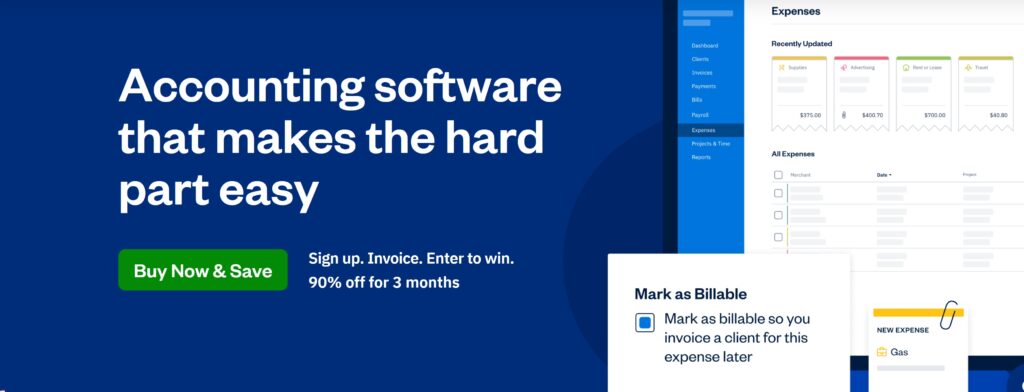
FreshBooks is purpose-built for people who sell their time. If you’re a freelancer, consultant, or agency billing by the hour or by project, FreshBooks is designed with you in mind. The invoicing is polished, time tracking is built in, client management is simple, and the overall experience is genuinely user-friendly. Higher plans start at $38 a month and scale from there.
What it does well: Invoicing, time tracking, client tools, ease of use.
Where it falls short: No real inventory support, pricing climbs quickly on higher tiers. If you outgrow FreshBooks—say you hire a team, add inventory, or need advanced reporting—you’ll likely need to migrate to Xero or QuickBooks Online. FreshBooks exports clean data, so that transition is straightforward when the time comes.
Security: FreshBooks uses AES-256 encryption, conducts regular third-party security audits, and maintains detailed activity logs for compliance purposes.
Best for: Freelancers, consultants, and service-based agencies who bill by time or project.
2. QuickBooks Online — Best for Deep US Features
Starting price: $38/month (Simple Start); often 50% off first 3 months
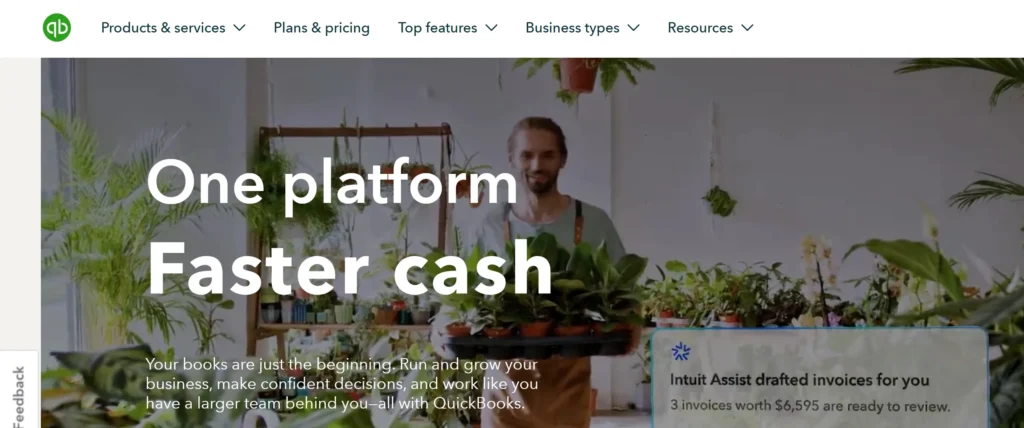
QuickBooks Online, developed by Intuit, is still the most feature-rich US accounting platform on the market. Built-in payroll, tax prep tools, a massive network of accountants who know the platform inside out, strong inventory management, and detailed reporting—it covers everything. But that depth comes at a cost. Plans start at $38 a month for Simple Start, jump to $75 for Essentials, and keep climbing. Adding users or payroll means paying more at every tier.
What it does well: US payroll, tax compliance, advanced reporting, large accountant network, deep integrations.
Where it falls short: Expensive, complex for beginners, user limits on lower plans.
Security: QuickBooks Online uses AES-256 encryption, multi-factor authentication, and is fully IRS-compliant with audit-ready reporting built in across all plans.
Best for: Established businesses that need deep US tax and payroll features and have the budget for it.
1. Xero — Best Overall for US Small Businesses in 2026
Starting price: $25/month (Early plan); current promo: 85% off first 6 months — use code DC23854633
Xero takes the top spot for most US small businesses in 2026. PCMag recommends Xero for multi-user teams, NerdWallet rates it highly for simplicity, and Forbes highlights its value proposition. Every Xero plan includes unlimited users—a significant advantage over QuickBooks Online. The interface is clean and modern, bank reconciliation is fast and reliable, there are over 1,000 integrations, multi-currency support is built in, and the mobile app works the way you’d expect.
Plan pricing:
- Early: $25/month
- Growing: $55/month
- Established: $90/month
New US customers can currently get 85% off their first six months using code DC23854633 at checkout—bringing the Early plan to under $4 a month to start. After the promo period, standard pricing applies. Payroll is handled through a Gusto integration, which connects to Xero seamlessly with no manual data entry between platforms.
The one honest gap: Xero has slightly less native US tax depth than QuickBooks Online. If deep, built-in US payroll and tax filing are non-negotiable for your business, factor that in before deciding.
What it does well: Unlimited users, modern design, fast bank reconciliation, scalability, overall value.
Where it falls short: Slightly less native US tax depth than QuickBooks Online. Payroll requires a Gusto add-on rather than being built in.
Security: Xero is SOC 2 Type II certified, uses AES-256 encryption, and provides full audit trails, role-based permissions, and two-step authentication on all accounts.
Best for: Growing teams, startups, and small business owners tired of complexity and overpaying.
90% Off for 6 Months
Switching Without Breaking Things
Switching accounting software sounds risky. Done right, it isn’t.
If you’re moving from QuickBooks Online, Xero has a built-in migration tool that pulls over your chart of accounts, contacts, invoices, and bank transaction history cleanly. Most users complete the core migration in a few hours. Moving from spreadsheets is even simpler—import via CSV and connect your bank feeds directly.
What transfers cleanly: contacts, invoices, bills, bank transactions, and opening balances. What needs manual attention: custom reports, payroll history, and deeply customized QuickBooks Online workflows.
Timing matters: avoid switching mid-financial-year if possible. Starting at the beginning of your fiscal year keeps records clean for tax time. If you must switch mid-year, make sure your opening balances match your last reconciled bank statement to the dollar before going live.
Quick Comparison
| Tool | Starting Price | 12-Month Cost (est.) | Best For |
|---|---|---|---|
| Wave | Free | $0–$228 | Micro-businesses, side hustles |
| Zoho Books | Free / $20/month | $0–$240 | Budget teams, Zoho users |
| FreshBooks | $19/month | $228–$456 | Freelancers, service businesses |
| QuickBooks Online | $38/month | $456–$900+ (before payroll and extra users) | Deep US tax and payroll needs |
| Xero | $25/month | $300–$660 | Most small businesses in 2026 |
12-month estimates based on standard pricing without payroll add-ons. Promos not included.
Frequently Asked Questions
Is Xero really better than QuickBooks Online for US small businesses?
For most small businesses, yes. Xero scores higher on value, ease of use, and unlimited users. QuickBooks Online wins on native US payroll and tax depth. If you have a dedicated accountant and complex US tax needs, QuickBooks Online may still be your call. For everyone else, Xero is the better day-to-day tool.
Can Wave handle taxes or just bookkeeping?
Wave handles bookkeeping only. It tracks income and expenses and generates basic reports, but it does not file taxes. You’ll still need a CPA or separate tax software like TurboTax or TaxAct at year end.
Does Zoho Books work with US accountants?
It can, but most US accountants are more familiar with QuickBooks Online or Xero. If your accountant doesn’t use Zoho Books, you’ll need to export reports manually or share access directly. Worth a conversation with your accountant before committing.
What happens if I outgrow FreshBooks?
FreshBooks exports clean data, so migrating to Xero or QuickBooks Online is straightforward. Most growing businesses make the move when they need stronger inventory tools, more advanced reporting, or team-based accounting workflows.
Is the Xero promo code legitimate?
Yes. Code DC23854633 is a current Xero promotion for new US customers offering 85% off the first six months, valid through March 31, 2026. Always verify current promos directly on Xero’s website before purchasing.
Can I use any of these tools without an accountant?
Yes—all five are designed to be used independently. Wave, FreshBooks, and Xero are particularly beginner-friendly and require no accounting background to get started. That said, having a CPA review your books at least once a year is worth it for tax accuracy, especially as your revenue grows. None of these tools replace professional tax advice, but they make it easier and cheaper when you do work with one.
You May Also Like
- Xero vs QuickBooks — Full Comparison for 2026
- Best QuickBooks Alternatives for Small Businesses
- How to Choose Accounting Software — Step by Step Guide
- Xero Pricing Plans Explained — Which One Do You Actually Need?
- Accounting Software for Freelancers — Best Picks for 2026
- Xero Coupon & Promo Codes — Current Deals
Final Verdict
Wave for free basics. Zoho Books for tight budgets. FreshBooks for service businesses. QuickBooks Online for deep US tax and payroll needs. And Xero for most small businesses ready to grow in 2026.
Every month you stay on the wrong tool is a month of wasted time, overpriced plans, and unnecessary complexity. Xero’s free trial costs you nothing to start—no credit card required to explore, and you can cancel before billing kicks in. Grab the trial using code DC23854633, connect your bank on day one, and see your cash flow update in real time. The link is below.
Prices listed are as of February 2026 and subject to change. Always verify current pricing and promotions directly on each platform’s official website.
