Best Accounting Software for Restaurants, Cafés and Bars (2026)
5
minute read
9
sections
October 17, 2026
last updated
Janak Uparkoti
reviewed by
So, the kitchen’s busy, the till’s ringing, and the books are… somewhere. Hospitality is one of the hardest businesses to keep tidy books for, because the money comes in hundreds of small pieces every day.
Card sales, cash, tips, delivery-app payouts, supplier invoices that arrive twice a week, and staff who are paid by the hour. It’s a lot. Add a second site and it doubles.
Don’t worry. The trick isn’t fancier accounting software. It’s getting your till (POS) to send a clean daily summary into your books. Here’s how I’d set it up.
How I picked these
I’m an accountant and I work in Xero, QuickBooks Online, FreshBooks, Zoho Books and Wave myself. I haven’t used Restaurant365, MarginEdge or the POS systems mentioned here myself; what I say about them comes from their own sites, and I say so. US list prices checked October 2026: QuickBooks Online $38 / $85 / $140 / $340 a month, Xero $27 / $59 / $97, FreshBooks $23 / $43 / $70, Zoho Books free or $20 / $50 / $70, Wave free or $19 for Pro. Full details: how I test software.
My quick picks
- Best overall for a single restaurant, café or bar: QuickBooks Online, because nearly every restaurant POS and payroll tool connects to it.
- Best if several people need access: Xero (Growing), with unlimited users and good POS connectors.
- Worth a look for multi-site groups: Restaurant365, an all-in-one platform built for restaurants (quote-based pricing).
What restaurants, cafés and bars actually need from accounting software
A hospitality business needs its accounting software to do five things well:
- A daily sales summary from your POS. Not every ticket, just one clean entry per day: food, drinks, tips, discounts, tax, and how it was paid. Square, Toast, Lightspeed and Clover can all do this through an integration.
- Food and drink costs you can see weekly. Your cost of goods sold should be its own set of accounts (food, beverage, alcohol) so you can watch your margins.
- Tips handled correctly. Tips aren’t your income. They need to flow through to staff, usually via payroll, and your books must show that.
- Supplier bills on autopilot. Snap or forward invoices from Sysco, the brewery and the bakery, and match them to payments.
- Payroll that matches your rota. Hourly staff, overtime and tips. Use a payroll add-on that posts straight into your accounts.
Comparison at a glance
| Software | Plan to start on | Why it suits hospitality | Watch out for |
|---|---|---|---|
| QuickBooks Online | Essentials, $85/mo | Connects to nearly every restaurant POS and payroll tool in the US | Per-user plans; inventory needs Plus ($140) |
| Xero | Growing, $59/mo (US) | Unlimited users; good POS and inventory apps; popular outside the US | Detailed inventory needs an add-on app |
| Restaurant365 | Quote-based | Built for restaurants: accounting, inventory and scheduling in one | Priced for groups; more than a single café needs |
QuickBooks Online: best overall for one location
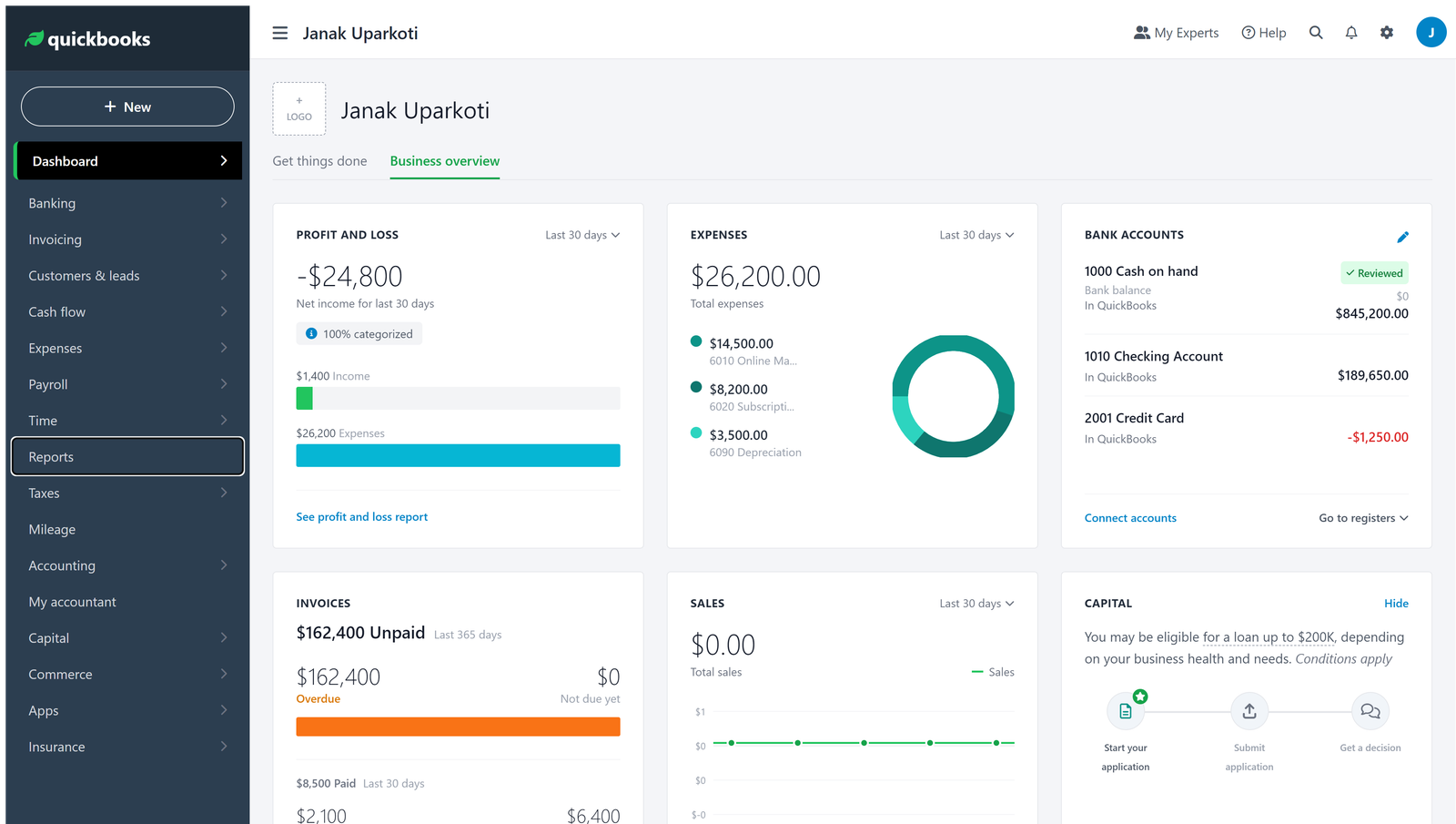
In the US, QuickBooks is the default for restaurants because almost every POS, payroll and inventory tool connects to it. Toast, Square and Clover can all post daily sales summaries into it through integrations.
Most single sites start on Essentials ($85 a month, 3 users). Move to Plus ($140) if you want inventory tracking or class tracking to split food, bar and events.
Don’t import every ticket. One summary entry per day keeps the books readable and makes reconciling your card payouts far easier.
Xero: best if several people work in the books
Xero’s unlimited users matter in hospitality: the owner, a manager doing supplier bills, a bookkeeper and the accountant can all log in at no extra cost.
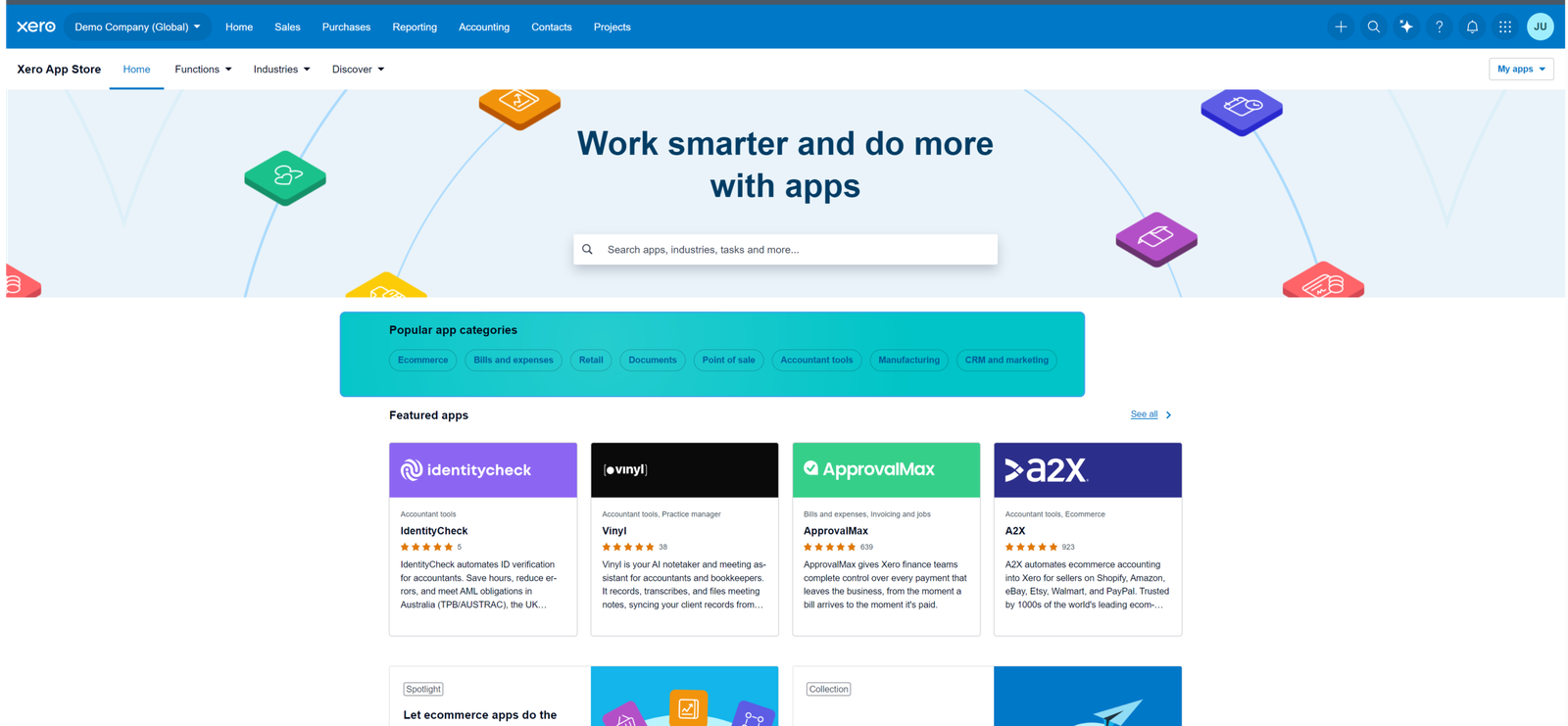
Its App Store has connectors for most major POS systems (Square and Lightspeed among them) and for restaurant inventory tools. Growing ($59 a month in the US) covers most cafés and bars.
Outside the US, Xero is often the more common choice among hospitality accountants, so ask yours what they prefer.
Restaurant-specific options: Restaurant365 and MarginEdge
Restaurant365 combines accounting, inventory, recipes and scheduling for restaurant groups. It’s quote-based and aimed at multi-location operators. For one café it’s usually more than you need.
MarginEdge takes a different approach. It digitises supplier invoices and tracks food costs, then posts into QuickBooks or Xero. If invoice paperwork is your biggest headache, it’s worth a look.
I haven’t used either myself. This is from their own sites, so book a demo and check the integration with your POS before you commit.
How to set up your books as a restaurant, café or bar
- Connect your POS to your accounting software and set it to post a daily summary, split into food, drinks, tips, discounts and sales tax.
- Create separate cost-of-goods accounts for food, non-alcoholic drinks and alcohol, so your margins aren’t one blurred number.
- Set up a “tips payable” account, so tips collected on cards are owed to staff, not counted as your income.
- Reconcile card payouts daily or weekly. The deposit is net of fees, so record the fees separately.
- Do a weekly stock count of high-value items and compare food cost against sales. That’s where profit leaks.
New to the basics? Start with small business bookkeeping, then set up a chart of accounts and a monthly bank reconciliation.
Frequently asked questions
What accounting software do most restaurants use?
In the US, QuickBooks Online is the most common, largely because of POS and payroll integrations. Outside the US, Xero is very common. Larger groups often move to restaurant-specific platforms.
Should I record every sale from my POS?
No. Post one summary per day. It keeps your books clean and makes reconciling card payouts much easier.
How should I handle cash sales?
Count the till daily, record the cash takings against the POS summary, and bank cash regularly. Unexplained cash differences are the first thing an accountant or tax inspector will ask about.
My verdict
For a single restaurant, café or bar in the US, start with QuickBooks Online Essentials and a daily POS summary. If several people need access, or your accountant prefers it, Xero Growing is excellent. Look at Restaurant365 once you’re running multiple sites.
The software matters less than the routine: daily sales summary, weekly food-cost check, monthly reconciliation.
Comparing more broadly? See the best accounting software for small business, or Xero vs QuickBooks if it’s down to those two.