Best Accounting Software for Contractors and Construction (2026)
6
minute read
10
sections
October 17, 2026
last updated
Janak Uparkoti
reviewed by
So, you run jobs, not spreadsheets. You’re quoting on a Monday, buying materials on Tuesday, chasing a stage payment on Friday, and somewhere in there you’re meant to know whether the kitchen job actually made money.
Most “best accounting software” lists ignore that. They compare invoice templates when what a contractor really needs is to see profit job by job, pay subcontractors properly, and send a quote from the van.
Don’t worry. You don’t need construction ERP software to get this right. Here’s how I’d choose, as an accountant, for a builder, electrician, plumber or general contractor with a small team.
How I picked these
I’m an accountant and I work in Xero, QuickBooks Online, FreshBooks, Zoho Books and Wave myself. Where I mention industry-specific apps I haven’t used, I say so. US list prices checked October 2026: QuickBooks Online $38 / $85 / $140 / $340 a month, Xero $27 / $59 / $97, FreshBooks $23 / $43 / $70, Zoho Books free or $20 / $50 / $70, Wave free or $19 for Pro. Full details: how I test software.
My quick picks
- Best overall for a growing contractor: QuickBooks Online Plus, for project profitability and the widest choice of construction add-ons in the US.
- Best if you’d rather run jobs in a field app: Xero, paired with a job-management app such as Tradify, ServiceM8 or simPRO.
- Best for a one-person trade business: FreshBooks, for fast estimates, invoices and time tracking without the full accounting weight.
What contractors actually need from accounting software
Strip away the marketing and a contractor’s books come down to five jobs:
- Job costing. Every material, labour hour and subcontractor bill tagged to a job, so you can see profit per job, not just per year.
- Quotes that turn into invoices. Send an estimate on site, then convert it to an invoice (or a series of stage invoices) without retyping.
- Subcontractors handled properly. In the US that means W-9s and 1099s; in the UK, the Construction Industry Scheme (CIS). Your software should track both the payments and the paperwork.
- Receipts captured on the go. Materials bought at the merchant counter disappear if they wait until the weekend. Snap them in the app instead.
- Cash flow you can see coming. Stage payments and retentions mean money arrives in lumps. You need to see what is owed to you and when.
Comparison at a glance
| Software | Plan to start on | Why it suits contractors | Watch out for |
|---|---|---|---|
| QuickBooks Online | Plus, $140/mo | Project profitability, classes and locations, and a big US contractor app ecosystem | Per-user plans (5 users on Plus) |
| Xero | Established, $97/mo (US) | Unlimited users; pairs well with field apps; projects on Established | Job costing needs the top US plan or an app |
| FreshBooks | Plus, $43/mo | Quick estimates, invoices and time tracking for one-person trades | Lighter accounting; client limits on Lite and Plus |
QuickBooks Online: best overall for growing contractors
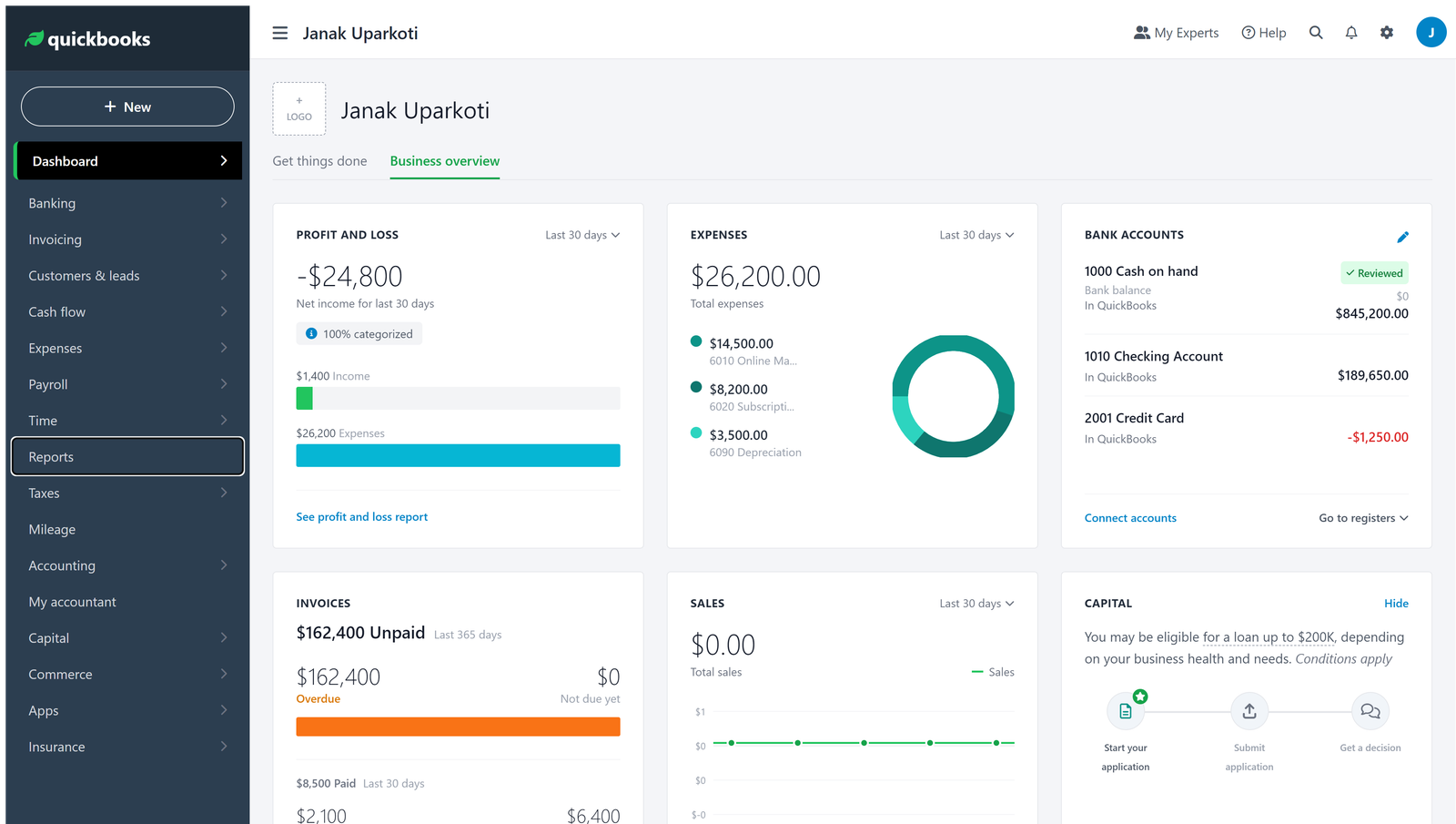
QuickBooks is what most US contractors’ accountants already use, and that matters. Its Plus plan ($140 a month, 5 users) adds project profitability, so you can tag income and costs to each job and see what each one earned.
It also has the widest choice of construction apps in the US, from estimating to field management, which plug into QuickBooks rather than replacing it.
The catch is users. If you’ve got an office manager, a bookkeeper and two foremen who all need access, check how many seats you’re really buying.
Xero: best if your team lives in a field app
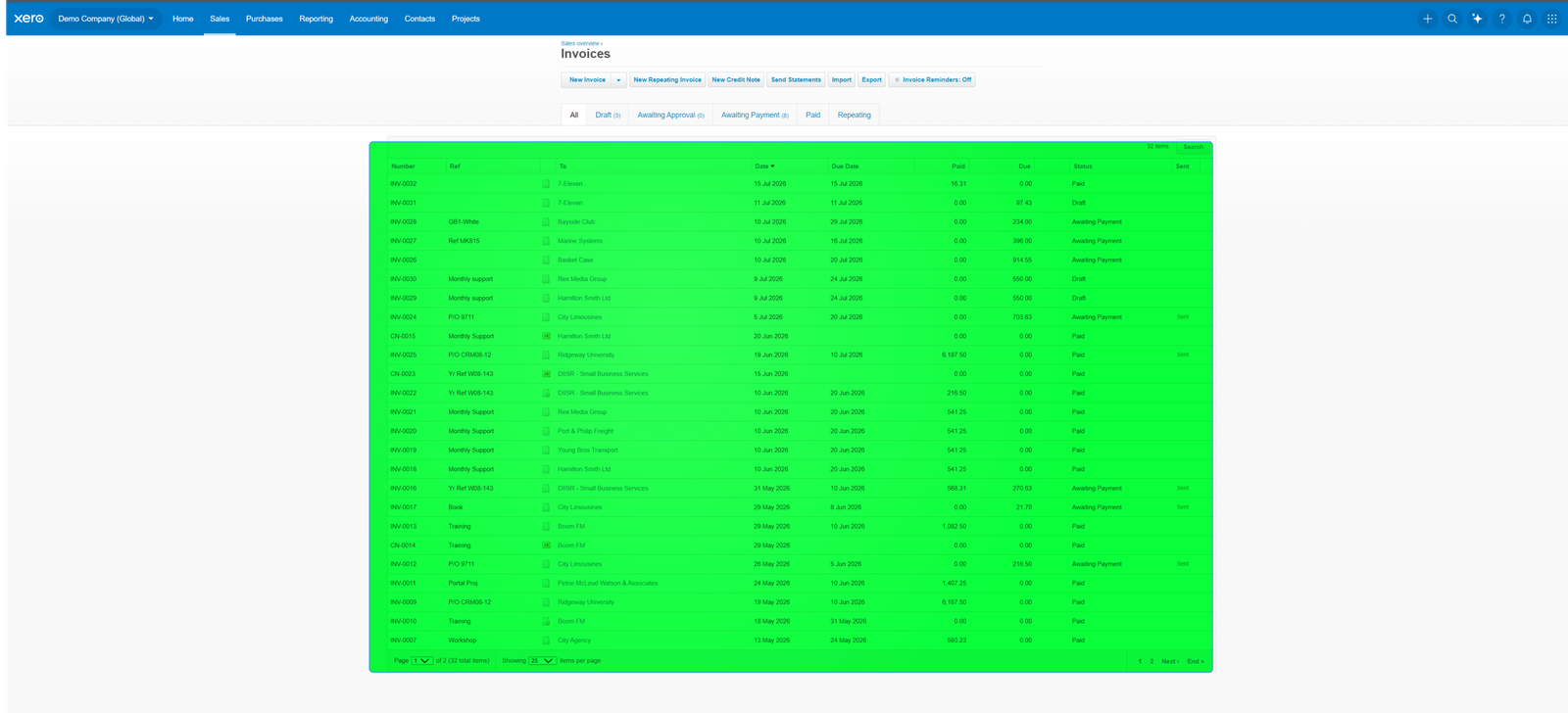
Xero’s strength for contractors is that every plan has unlimited users and it connects cleanly to field-service apps like Tradify, ServiceM8 and simPRO. The crew quotes, schedules and invoices in the app, and the accounting lands in Xero.
For job costing inside Xero itself in the US, you’ll need Established ($97 a month), which includes project time and cost tracking. Many smaller contractors skip that and let their job app handle the job side instead.
If you’re in the UK, Xero supports CIS, which is a big reason it’s popular with UK builders. Check the current CIS options on Xero’s UK site before you sign up.
FreshBooks: best for one-person trades
If it’s just you and a van, FreshBooks keeps things simple. You send an estimate from your phone, turn it into an invoice when the work’s done, and take card payments on the spot.
It’s lighter on real accounting, so once you hire or start subcontracting regularly you’ll probably outgrow it. My FreshBooks review covers where that line usually falls.
What about construction-specific software?
Tools like Procore, Buildertrend and Knowify are built for project management on bigger jobs. Most of them sync with QuickBooks Online (and some with Xero) rather than replacing your accounting. I haven’t used them myself, so check each one’s integration before you commit.
For most small contractors, general accounting software plus one job app is plenty. Add specialist software when your projects, not your ambitions, need it.
How to set up your books as a contractor
- Create a job (project) for every contract, even small ones, so materials and labour have somewhere to go.
- Add accounts for materials, subcontractors, equipment hire and vehicle costs to your chart of accounts, rather than one big “costs” bucket.
- Collect W-9s (US) or verify subcontractors for CIS (UK) before their first payment, not at year-end.
- Turn on receipt capture in the mobile app and photograph every materials receipt the day you buy.
- Reconcile the bank weekly during busy months. Stage payments and supplier bills move fast.
New to the basics? Start with small business bookkeeping, then set up a chart of accounts and a monthly bank reconciliation.
Frequently asked questions
Is QuickBooks or Xero better for contractors?
In the US, QuickBooks usually wins because accountants and construction apps know it. Xero suits teams that want unlimited users and run their jobs in a field app, and it’s very popular with UK contractors. See Xero vs QuickBooks.
Do I need job costing as a small contractor?
If you do more than a handful of jobs a year, yes. It’s the only way to know which kind of work actually makes you money.
Can accounting software handle retentions?
Most general accounting tools can record retentions with a separate account and stage invoices, but it takes some setup. Ask your accountant to set it up once, then it’s routine.
My verdict
For most growing contractors in the US, I’d start with QuickBooks Online Plus. If your crew runs everything in a field app, or you’re in the UK, Xero is a strong choice. If it’s just you, FreshBooks will do the job until you hire.
Whatever you pick, set up job costing from day one. It’s the difference between being busy and being profitable.
Comparing more broadly? See the best accounting software for small business, or Xero vs QuickBooks if it’s down to those two.